Ben Gurion Airport
How we fixed the self-service chaos at Natbag Airport

Overview
The project
You’re jet-lagged. It’s 2AM.
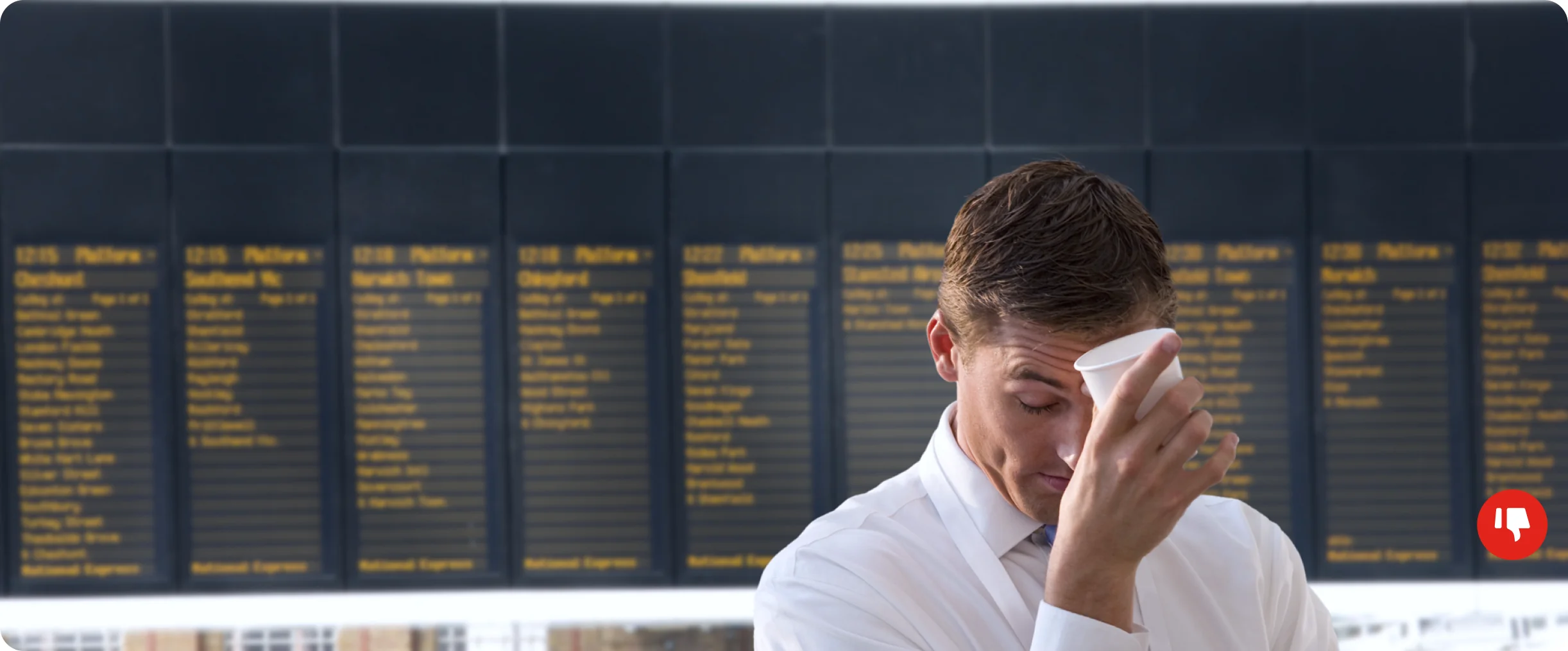
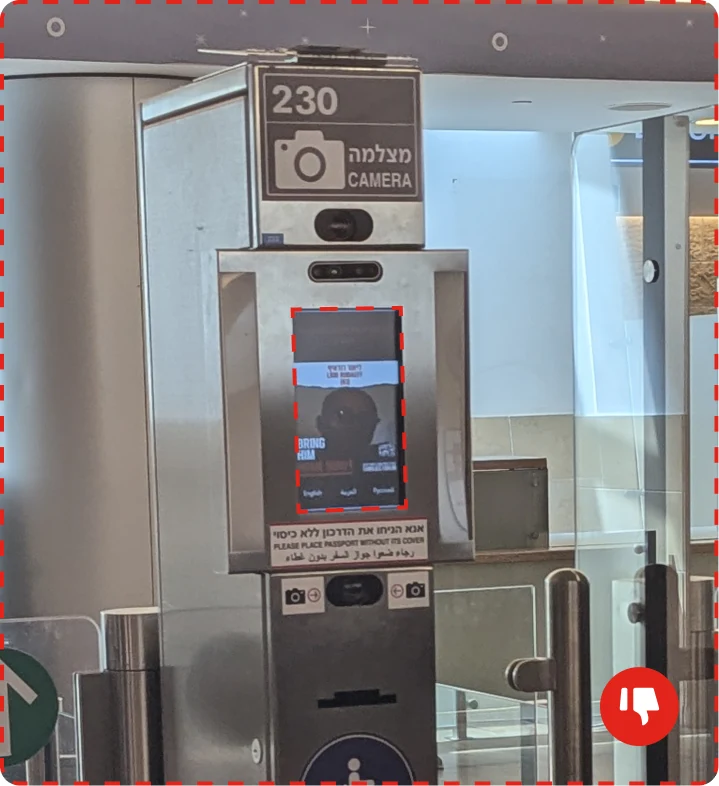
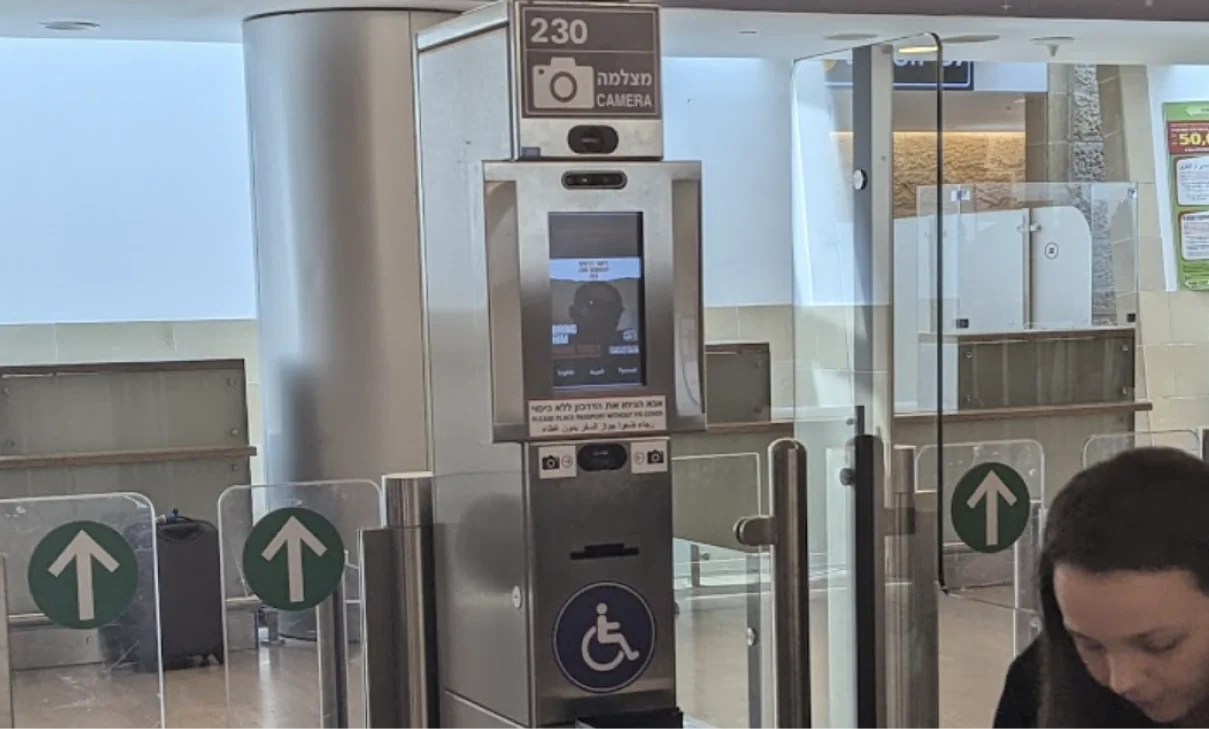
You walk up to a shiny border control kiosk. There’s a screen playing a video you can barely see, instructions you don’t fully get. You place your passport... and nothing happens.
The video keeps looping. Maybe it’s trying to explain something? Maybe not. You tap the screen. Try again. Still nothing.
You sigh. Wave at a guard.
He points you to the back of a very long line.
Ugh..
The border control kiosk is the first thing travelers see when they land and the last thing they do before leaving the country. Not exactly the place you want confusion, delays, or a UX meltdown.
But that’s exactly what was happening at Natbag Airport.
“Until Mondeo stepped in and redesigned the experience from the ground up.”
What wasgoing wrong?
According to UX veteran Amit Daliot (who knows a broken flow when he sees one), two major issues kept causing trouble:
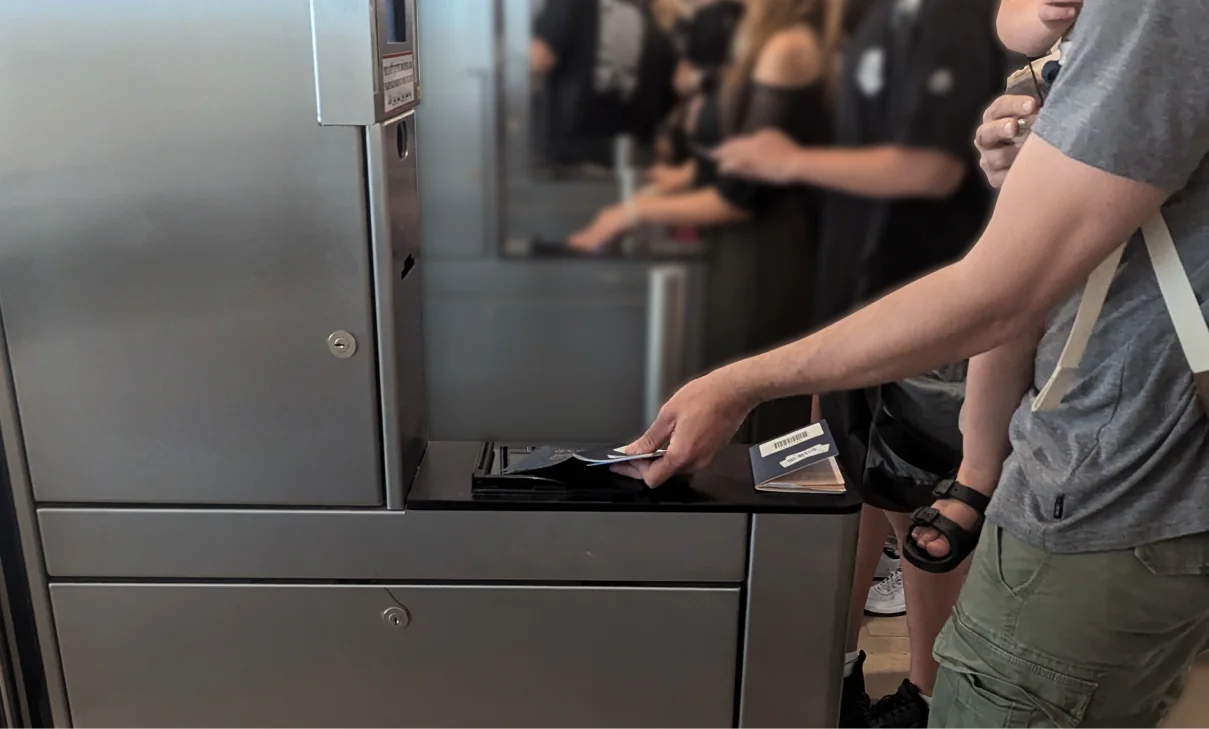
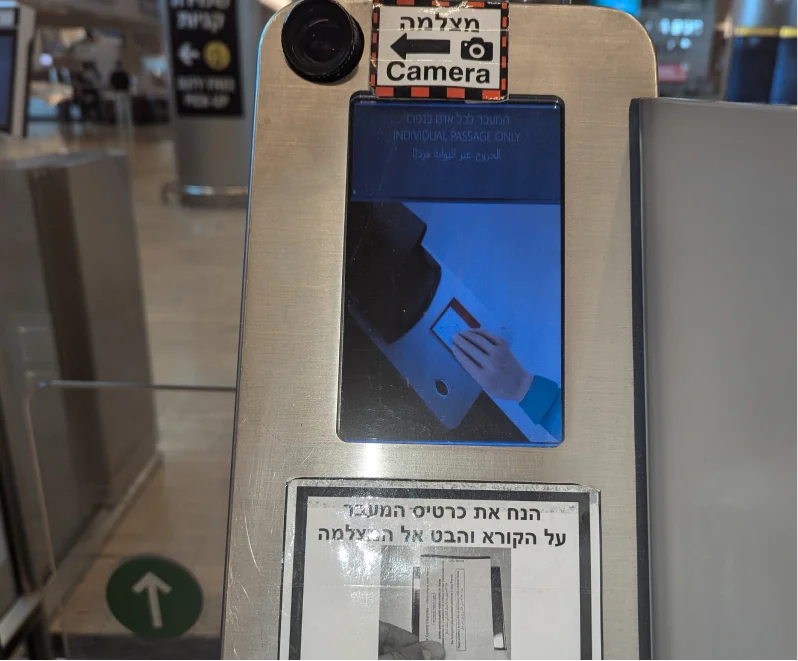
Passport placement fails
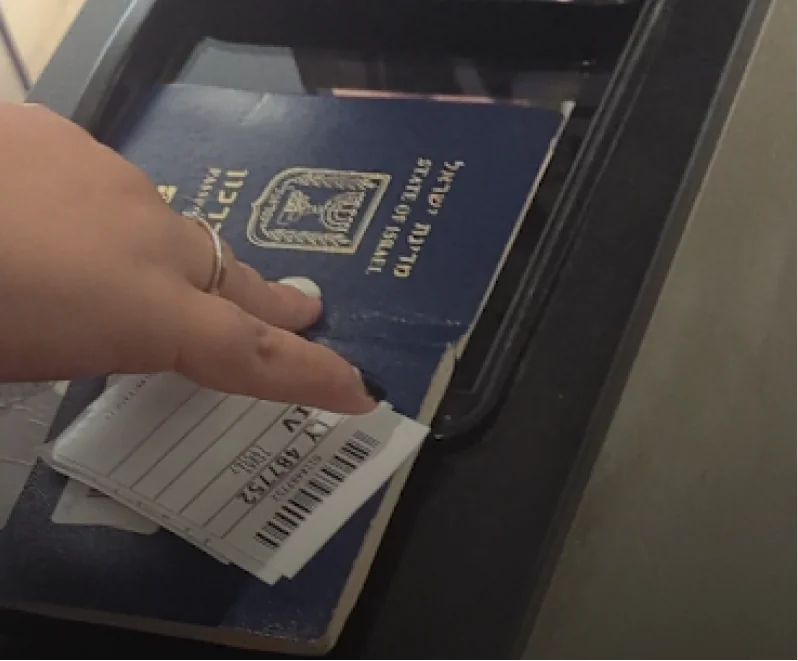
Most users weren’t placing their passports correctly. The machine couldn’t match the photo page to their face, so the gate didn’t open.
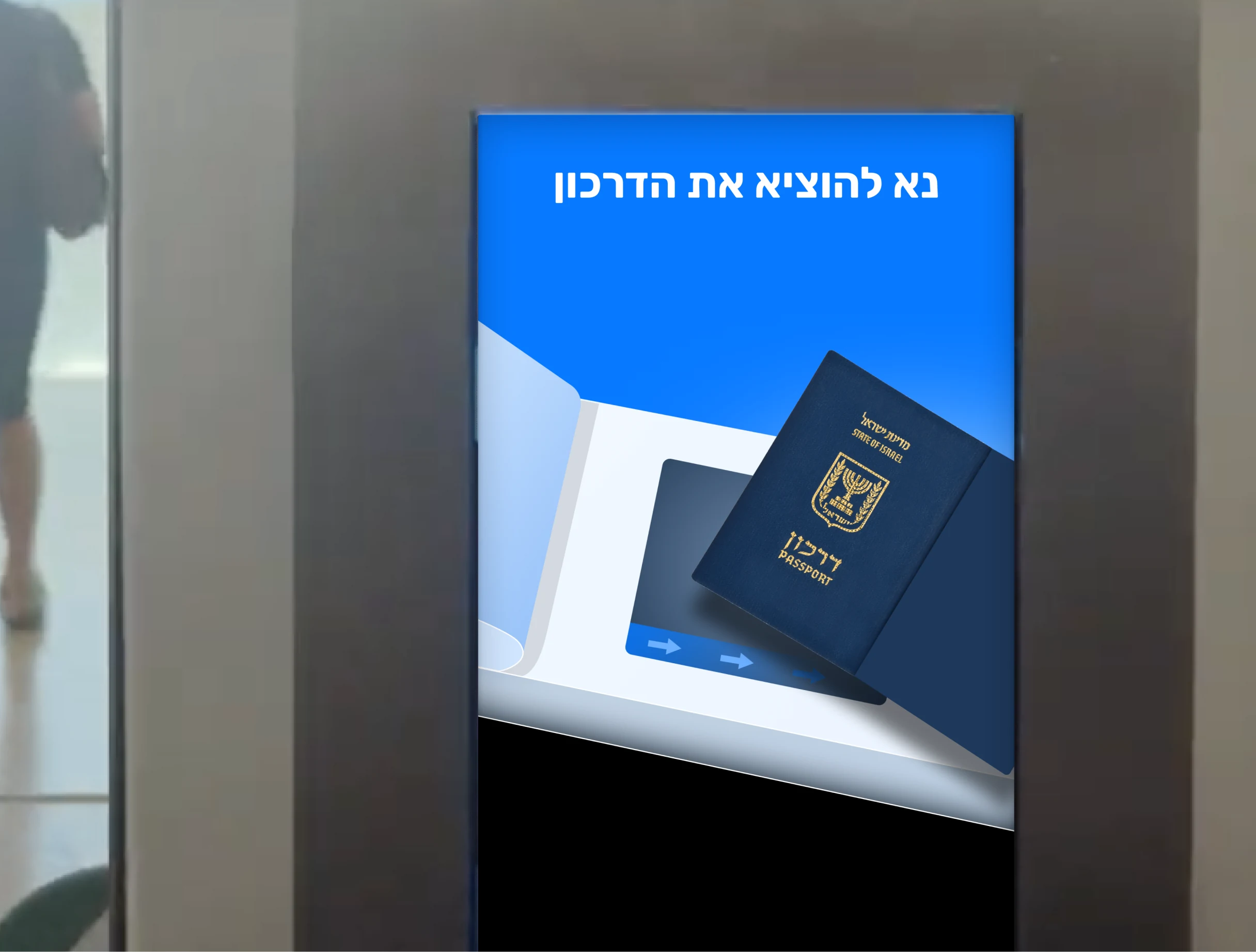
Pick up your passport… eventually?
After successful verification, travelers must remove their passport to open the gate. No one told them. The video doesn’t mention it. The on-screen message is too small to notice.
The result? People just stood there… waiting.
Notes from Amit Daliot’sinitial review

Low-contrast UI under harsh lighting
Missing guidance for core actions
One mistake = full process failure
No recovery paths for small errors
Total reliance on user guesswork
In other words: classic case of design ignoring reality.
Our approach:make it make sense
What we changed:

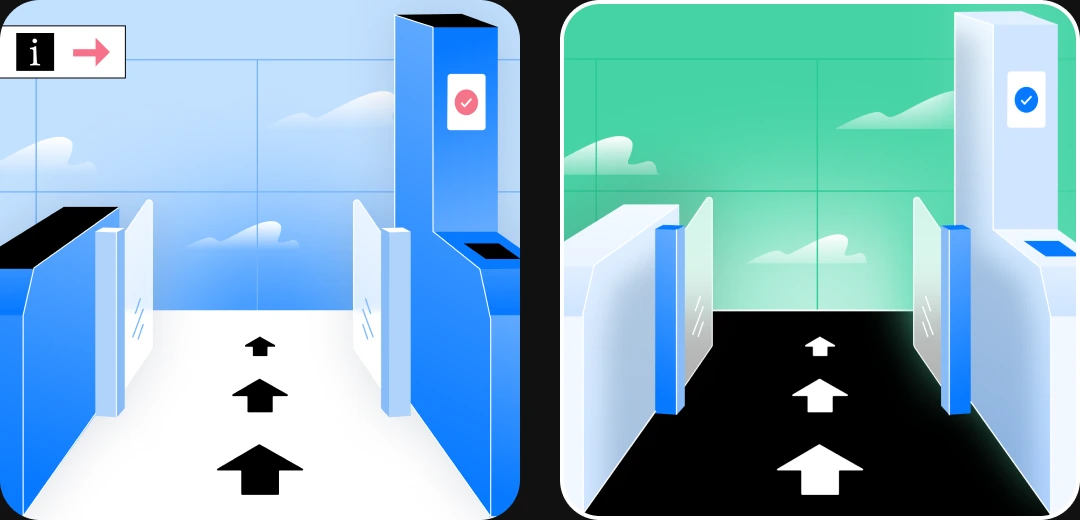
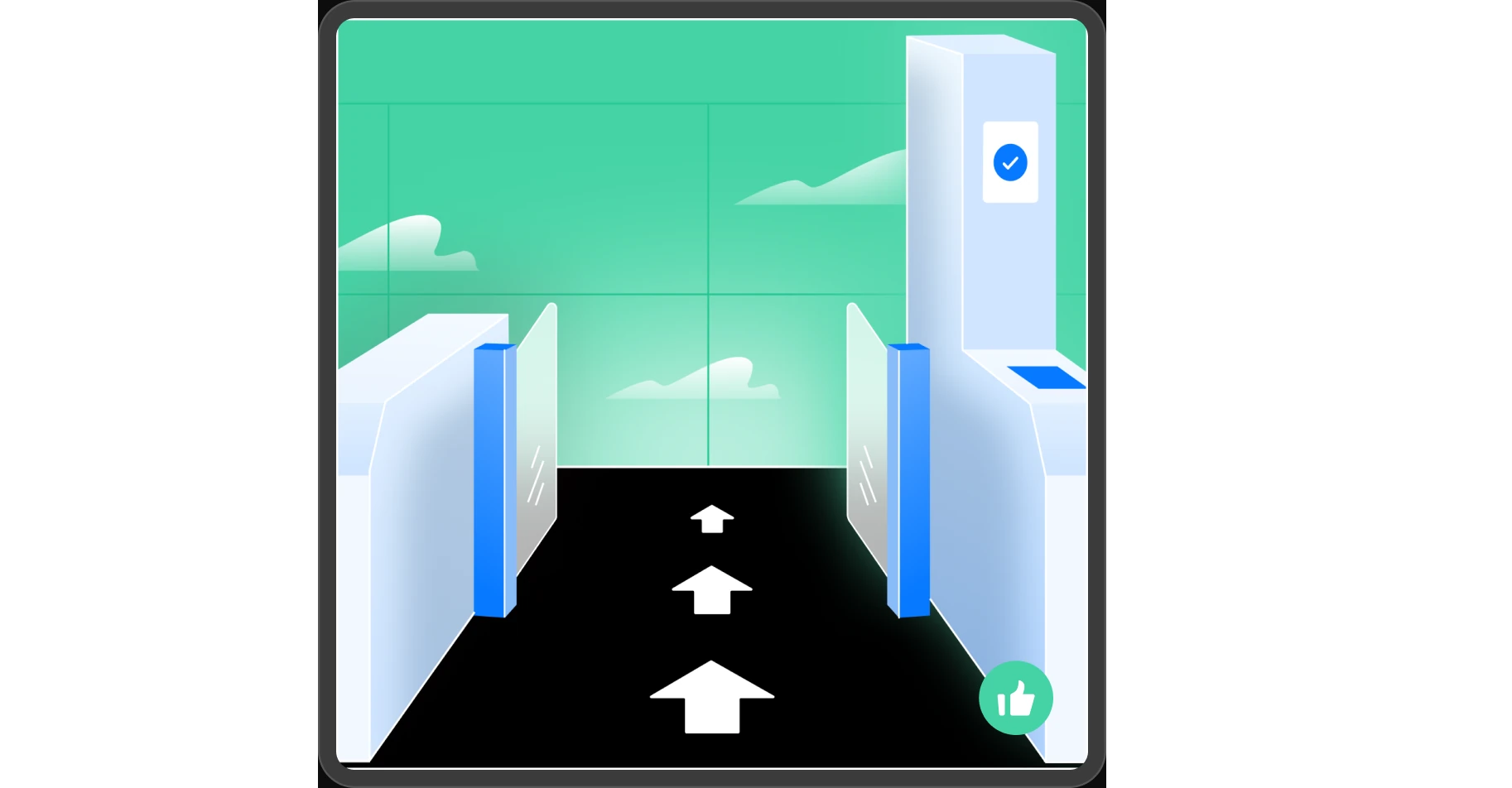
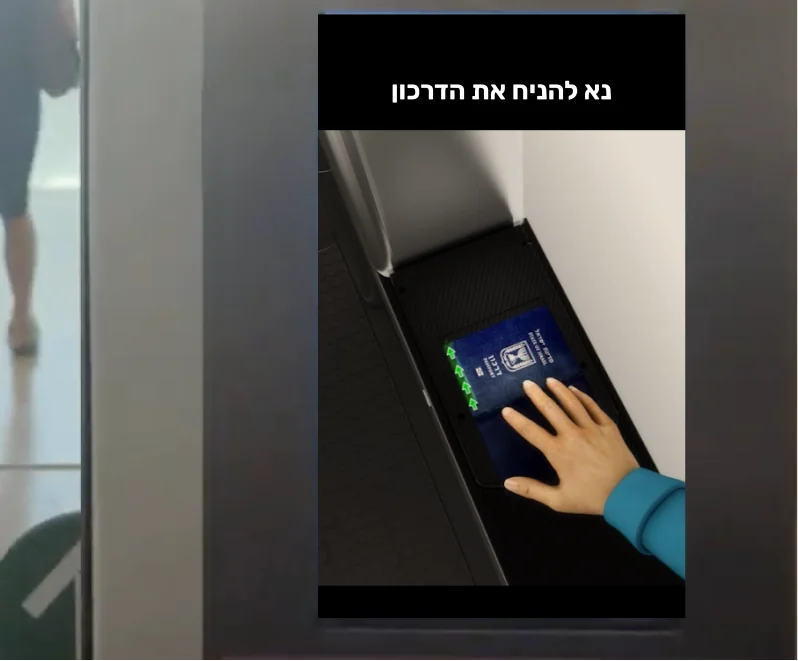
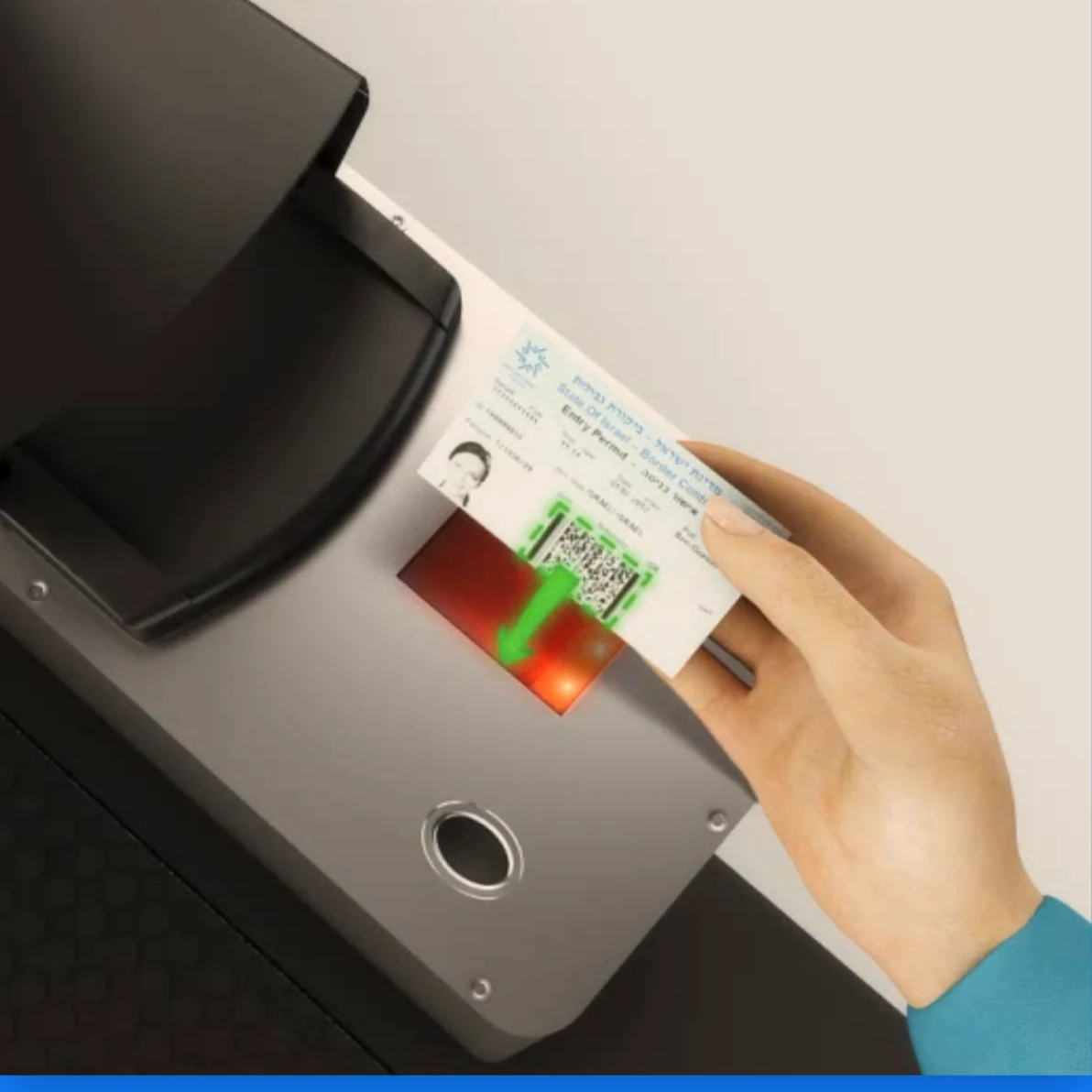
High-contrast visuals that work under any lighting
Audio + visual instructions in multiple languages
Final-step clarity so no one misses the passport pickup moment again
Step-by-step animated guidance, synced with system feedback
Immediate, intuitive feedback at every step
And (crucially) it all runs within the existing hardware and design constraints of the airport kiosks
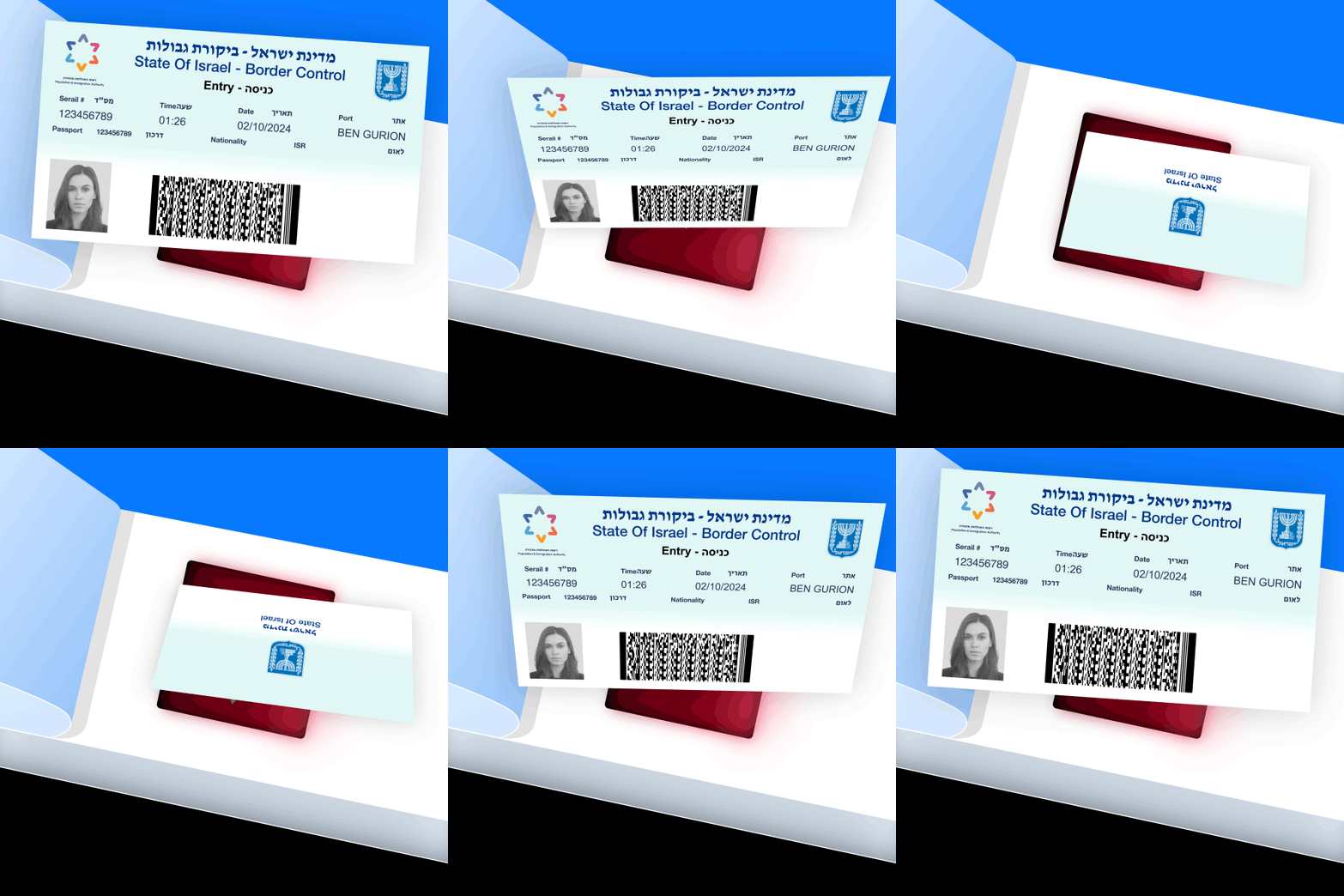
Prototypingthe invisible
Solving the final step:passport pickup
That awkward “why isn’t the gate opening?” moment? Gone.
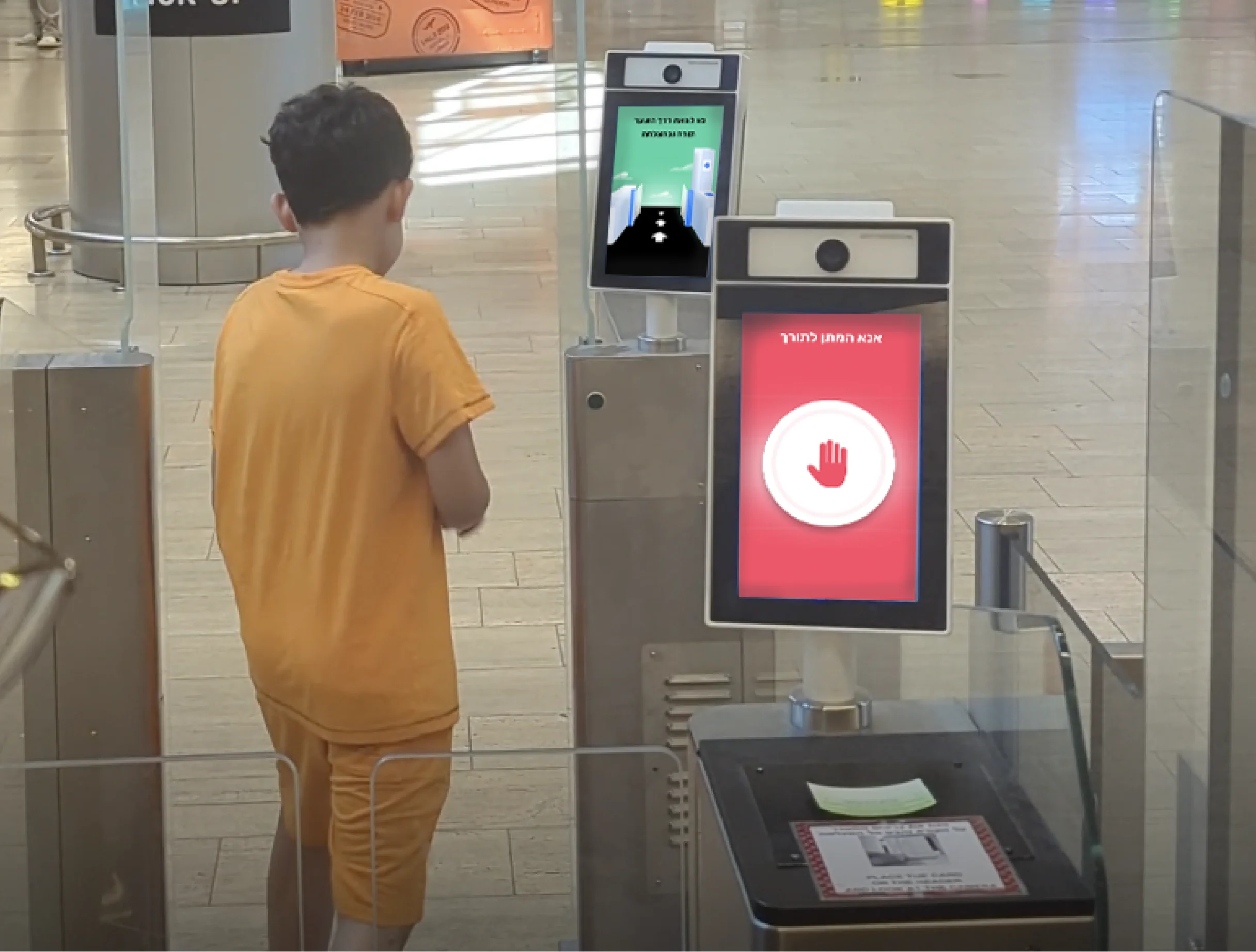
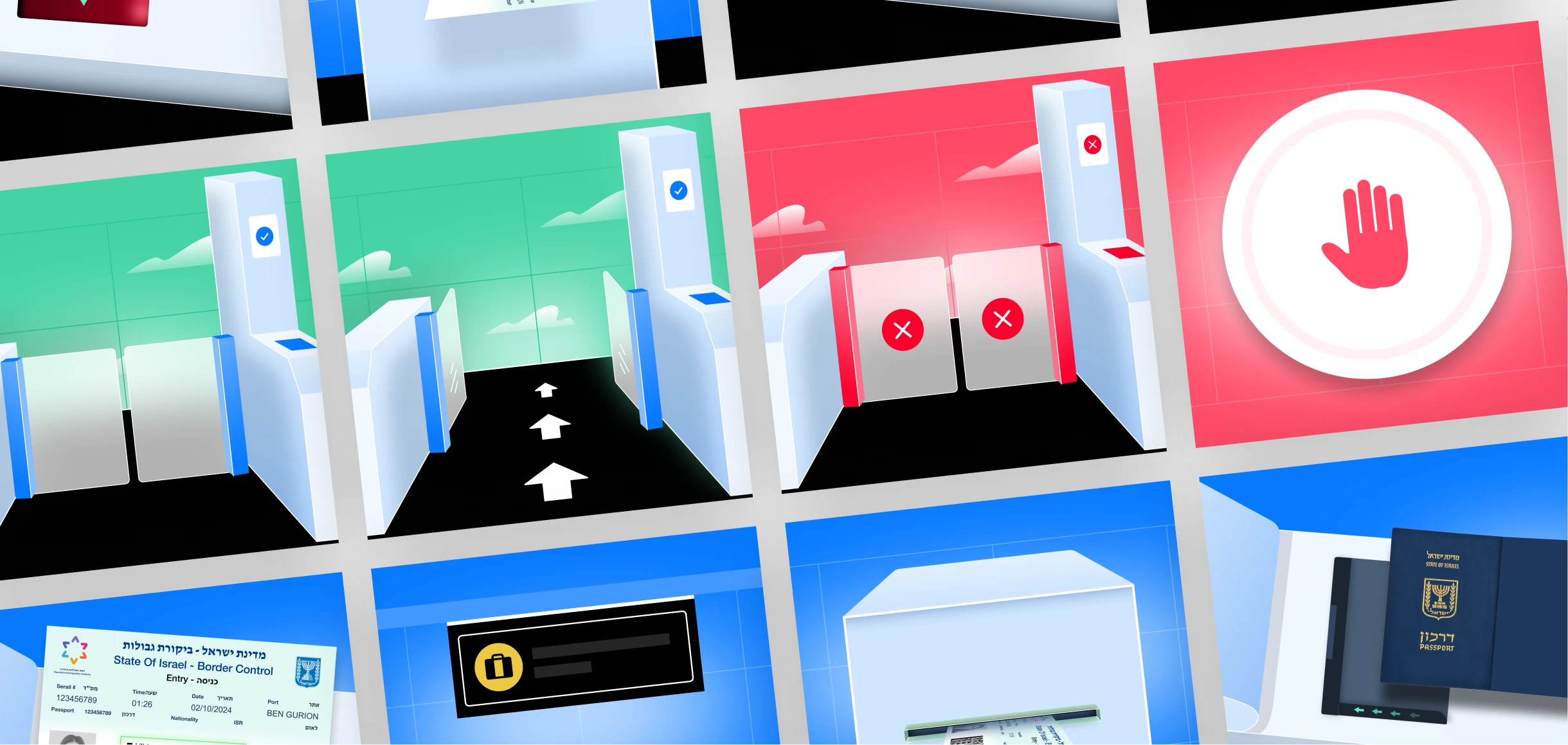
We replaced the silent UI with an animated reminder and clear verbal cue. The traveler sees (and hears!) that they need to grab the passport.
The gate opens. They move on.
The double gatedilemma
Some stations had a second challenge: double gates, designed to stop two people from sneaking through at once. Instead, it confused everyone. We broke the flow into a simple, comic-style visual story, displayed directly on the machine.
Each step, one action
One action, one response.
People got it instantly.
The results
Even without an official press release, we saw the impact immediately:
Passport placement errors dropped significantly
Fewer travelers needed staff intervention
Lines moved faster, flows stayed smooth
Travelers didn’t notice the UX, which means it worked
The bottom line:design is in the details
Border control isn’t just security. It’s also one of the few moments where you ask people to follow exact instructions under stress, jet lag, or a language barrier.
That’s not just a design challenge. That’s a design responsibility. We designed a UX so clear, it fades into the background. Because the best UX? You don’t even notice it’s there.
Building something people must use right, even at 2AM? Let’s make it make sense.
Let’s talk!